Blender 5.3 pre-release offer
Save now. Offer ends at
Blender 5.3’s official release.
Get Pro for $13 now. Then back to $25.
You save48%$25 → $13 Pro
—Days—Hours—Minutes—Seconds





Smart camera systemNEW
Auto Camera Rig.
All your cameras. Placed automatically.
Indoor · Outdoor · ObjectOutdoor
Object
Check. Train. Relight.
Coverage
Training
Relighting
06 / Export your splatPRO
Export once.
Keep creating.
From Blender to SuperSplat.
Your next step is a simple drag and drop.
01 EXPORT FROM BLENDER
PLYGaussian splat
SOGCompact splat
02 OPEN IN SUPERSPLAT
SuperSplat
A new home for your splat.
EditOptimizeExplore
Exported from Blender.
Explored in
SuperSplat
After exporting your PLY or SOG file, open the finished splat in SuperSplat and give clients an interactive architectural experience directly in their browser.
07 / VIEW IN SUPERSPLAT
Client-ready architectureMove through the exported architectural splat and inspect it from every angle.Drag to explore ↗
Want to explore more finished splat projects?
See more splats
One capture. Richer data.More than a
More than a
standard dataset.
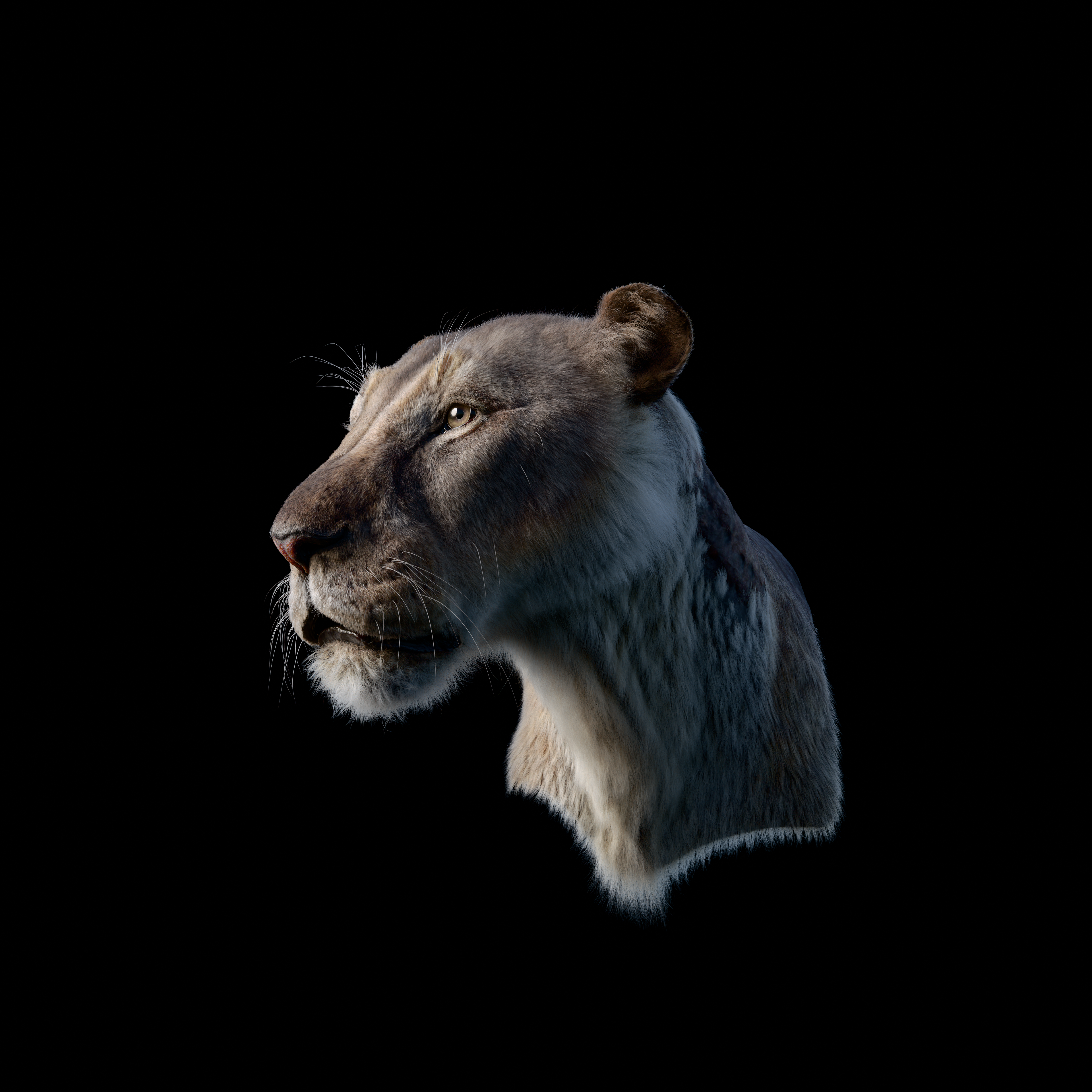
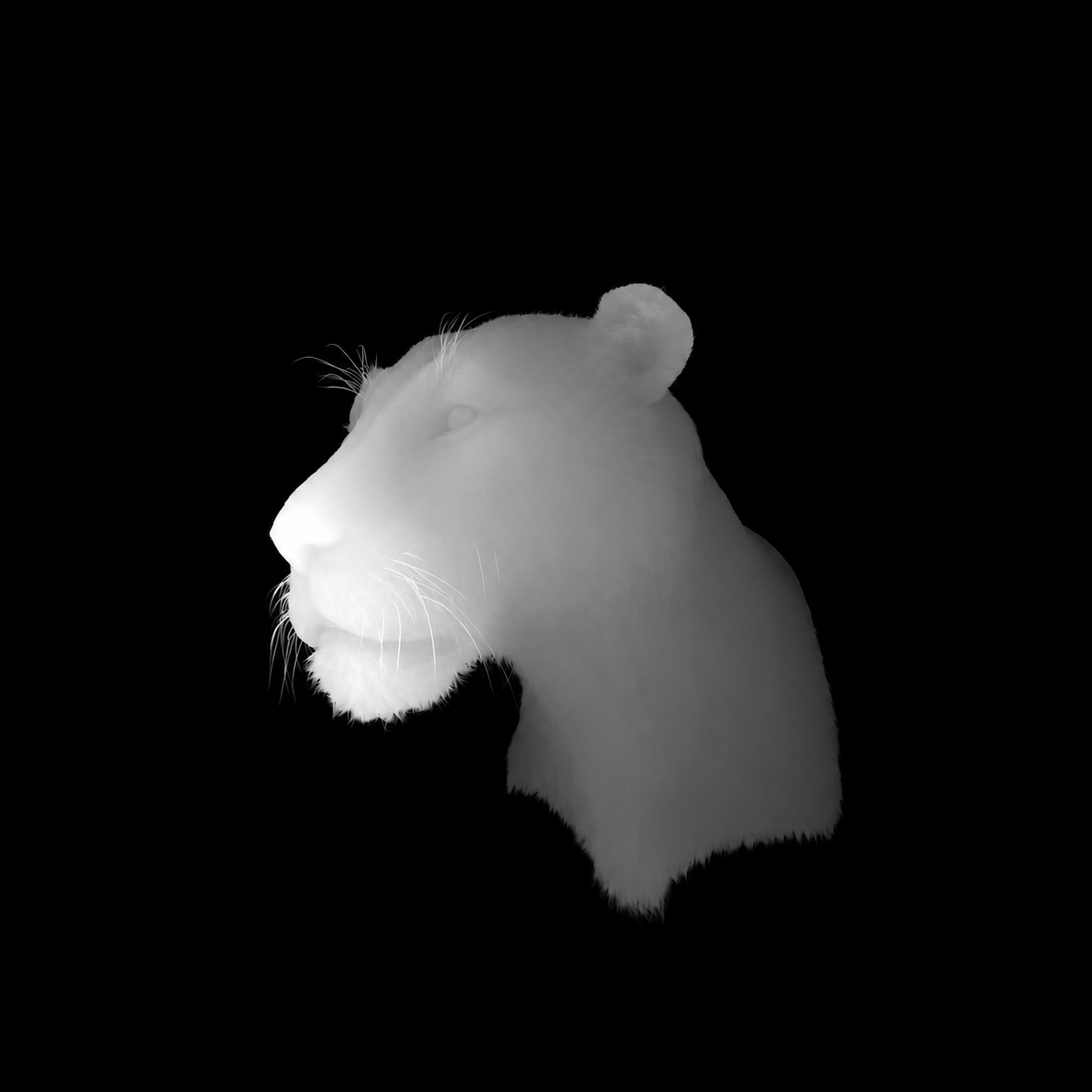
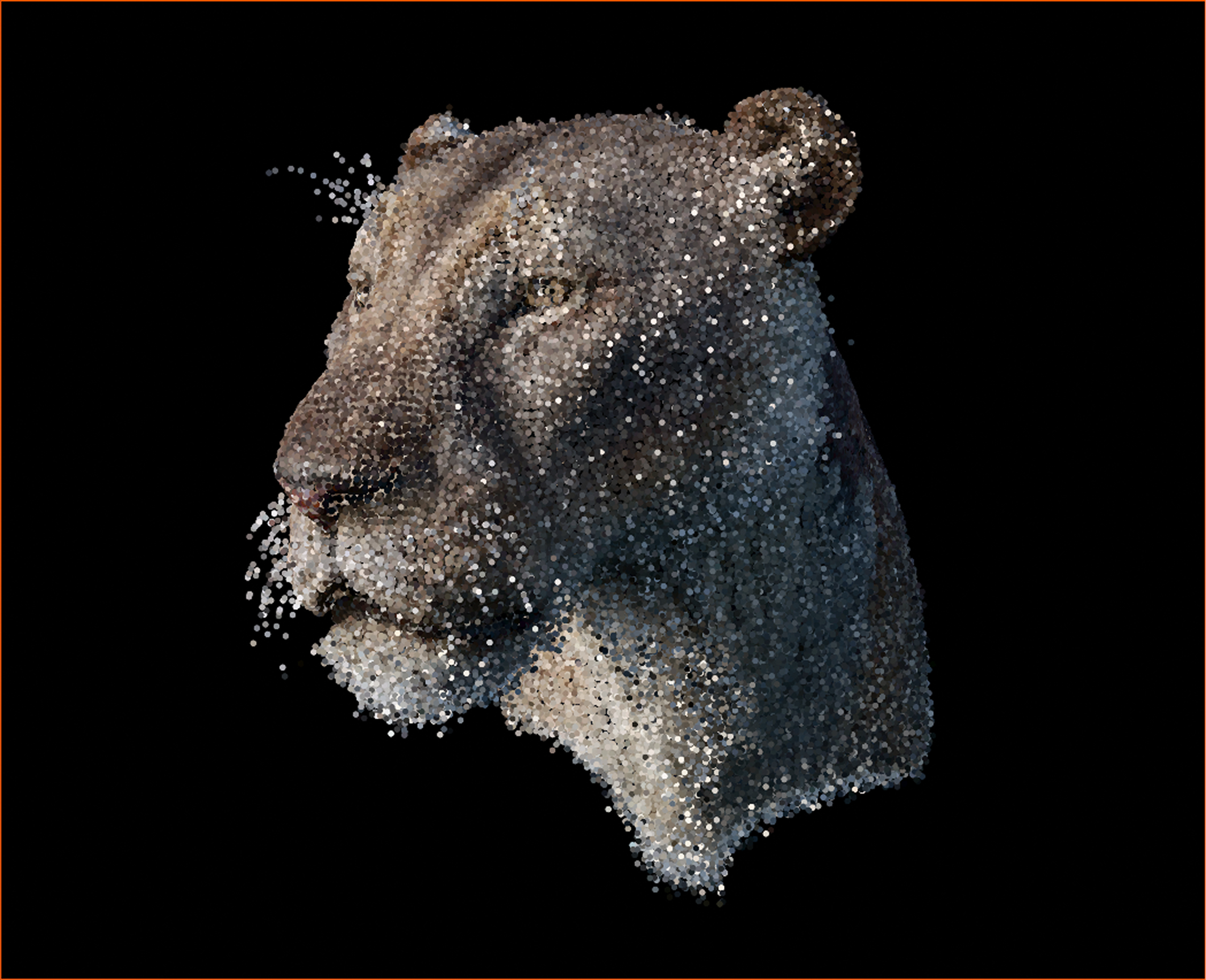
Color, masks, depth, and surface detail.
Together in one export.
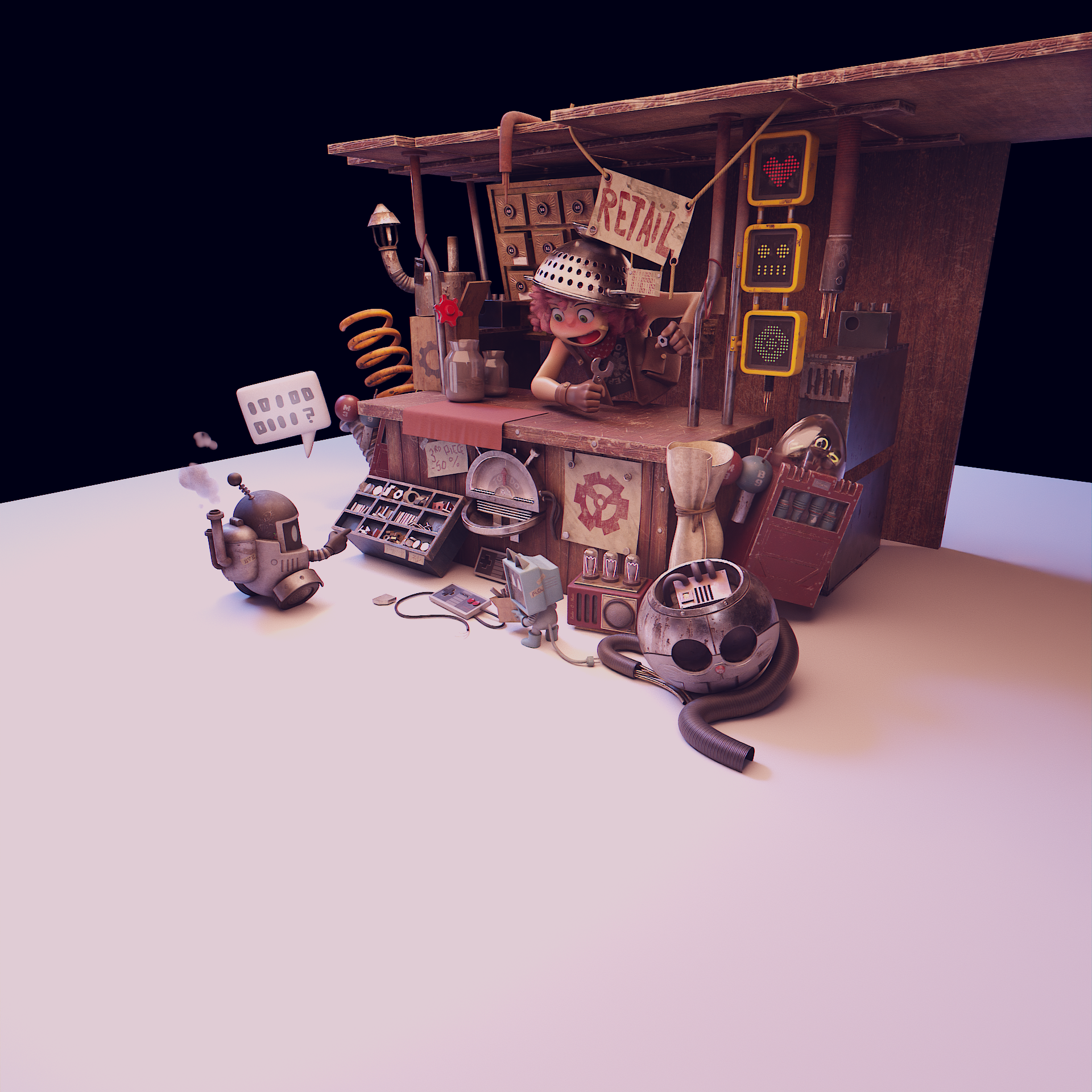
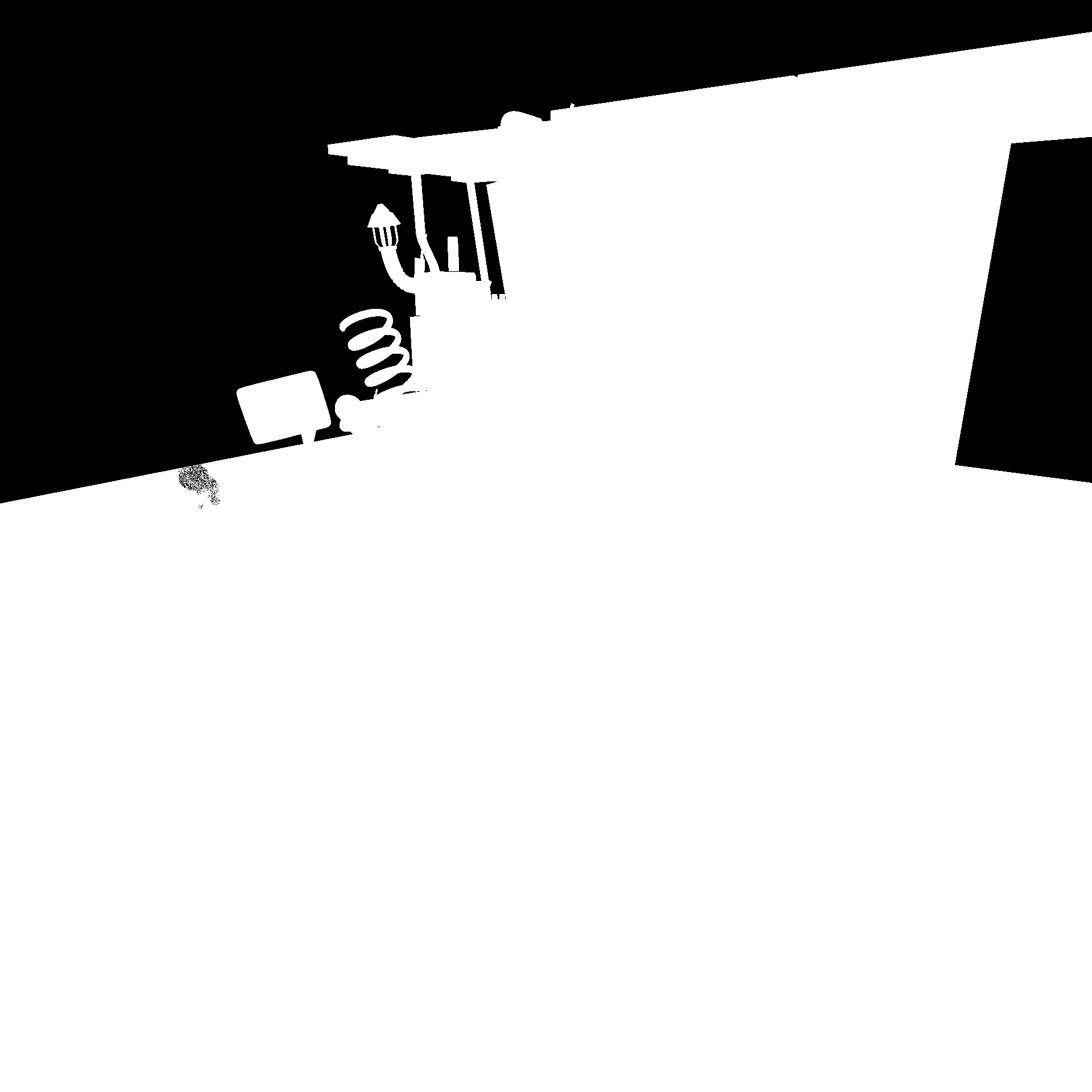
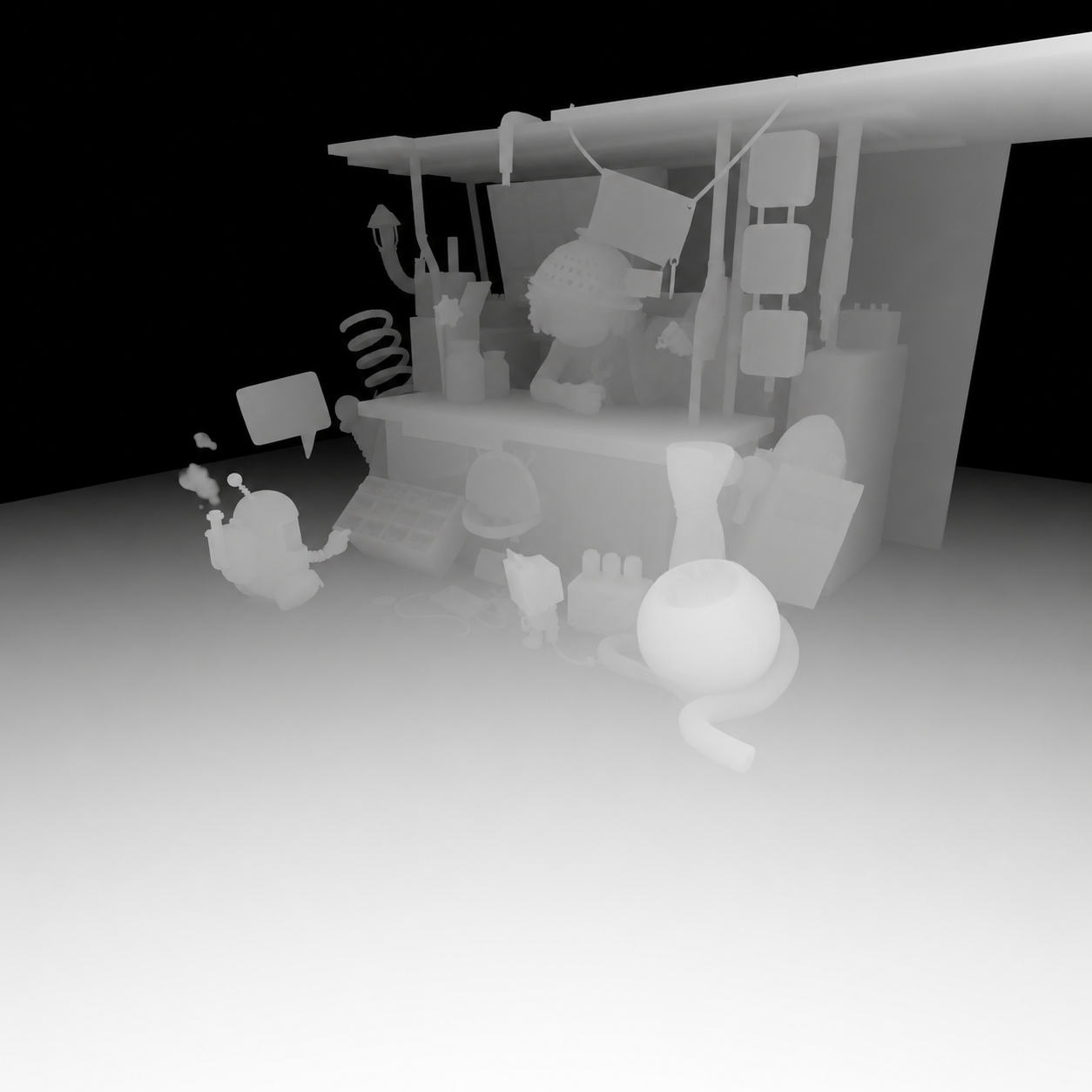
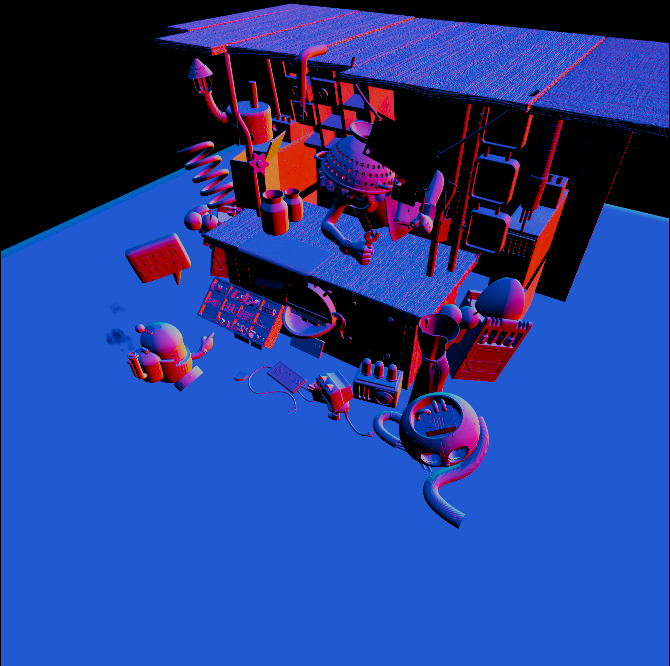
Camera & point data
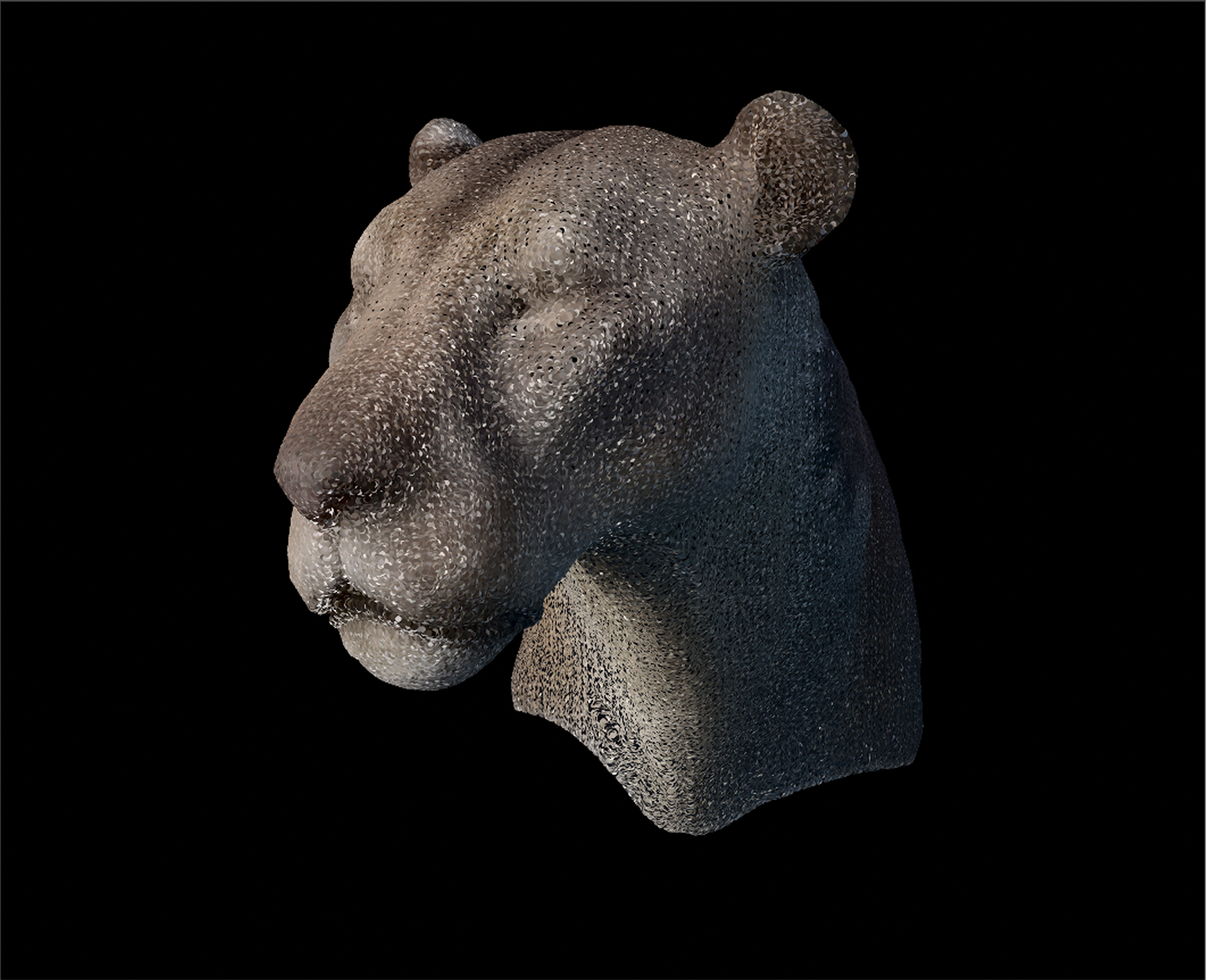
cameras.txtimages.txtpoints3D.txtDepth-aware point clouds
RGB + depth = better points.
Choose your edition
Your scene.
Your workflow.
Dataset & viewer
SplatGen Standard
$3
Create smart camera rigs, validate coverage, export rich datasets, and view your splats inside Blender.
- Smart rigs and coverage inspection
- RGB, depth, masks, and point-cloud data
- Auto Settings and Point Sampling
- Native Gaussian viewing and relighting
- Portable COLMAP-style dataset export
Pre-release offer
SplatGen Pro
$13$25
Save 48% until Blender 5.3 officially releases. Then the offer ends and Pro returns to its regular $25 price.
- Everything in Standard
- New V2 trainer + Legacy CUDA trainer
- Live native previews and pause / resume
- V2 PLY export · Legacy PLY + SOG
Standard prepares.
Pro completes.
Standard prepares datasets and views native Gaussian splats. Pro adds integrated training with V2 and Legacy, keeping the complete workflow inside Blender.
| Capability | Standard · $3 | Pro |
|---|---|---|
| Prepare the scene | ||
| Smart camera system: Indoor, Outdoor, Object / Collection | ✓ | ✓ |
| Manual cameras and reusable Saved rigs | ✓ | ✓ |
| Coverage checks, problem areas, and redundant-camera review | ✓ | ✓ |
| Auto Settings: Current vs Recommended | ✓ | ✓ |
| Point Sampling presets, Extra High, and Custom controls | ✓ | ✓ |
| RGB, masks, metric depth, and COLMAP datasets | ✓ | ✓ |
| View and relight | ||
| Native Gaussian viewing in EEVEE and Cycles | ✓ | ✓ |
| As Trained / Relit, brightness, tint, and scene response | ✓ | ✓ |
| Native PLY and SPZ import | ✓ | ✓ |
| Train and export | ||
| SplatGen V2 trainer | — | ✓ |
| Legacy CUDA trainer | — | ✓ |
| Live native previews and pause / resume | — | ✓ |
| V2 PLY export; Legacy PLY and SOG export | — | ✓ |
| Legacy checkpoint recovery | — | ✓ |
| Help inside Blender | ||
| Offline interactive Guidebook | ✓ | ✓ |
| Optional issue reports and manual update checks | ✓ | ✓ |
Alpha VersionBuilt for
Built for
Blender 5.3
A new chapter for native Gaussian splats.
Operating systems WindowsSupport
 LinuxComing soon
WindowsSupportLinuxComing soonGPU supportV2 TRAINING ENGINE
 NVIDIASupport
 AMDAlpha support
 IntelAlpha support
Alpha release · Compatibility may vary by GPU and driver. Legacy CUDA training requires NVIDIA.
Good to know
Questions,
answered.
Who is SplatGen for?
Blender users creating Gaussian splats for architecture, products, experiments, and visual storytelling. Standard prepares and views; Pro adds training.
What is new in V2?
V2 uses the Brush-based training engine with live native previews, pause / resume, and PLY saving. Legacy keeps the CUDA training workflow available. A saved V2 PLY is a model export, not an optimizer checkpoint for exact training resume.
What does Auto Settings change?
Compare your Current settings with the Recommended setup before applying it. Manual changes are reflected as Current. Render Samples and Noise Threshold remain under your control.
Can I relight a trained splat?
Yes. Native viewing supports As Trained and an approximate Relit mode in EEVEE and Cycles, with scene response, brightness, and tint controls. Relighting is an artistic adjustment rather than a reconstruction of the original materials.
Are coverage points used for training?
Coverage points are a fast inspection preview. The training point cloud is built separately from the rendered images, camera poses, and metric depth.
Is help available inside Blender?
The interactive Guidebook is available offline. Optional issue reports let you preview attachments before sending. Update checks are available manually; automatic checks are off by default and do not install updates.
Follow the work.
Join the community.
Watch SplatGen in action, explore more of our visual work, or join the Discord community for updates, questions, and support.
YouTube
Watch demonstrations, workflows, tutorials, and new SplatGen features.
Watch the channel ↗Behance
Explore finished artwork, design projects, and more visual experiments.
View the portfolio ↗
Discord
Join the community for SplatGen news, questions, support, and discussion.
Join the community ↗